

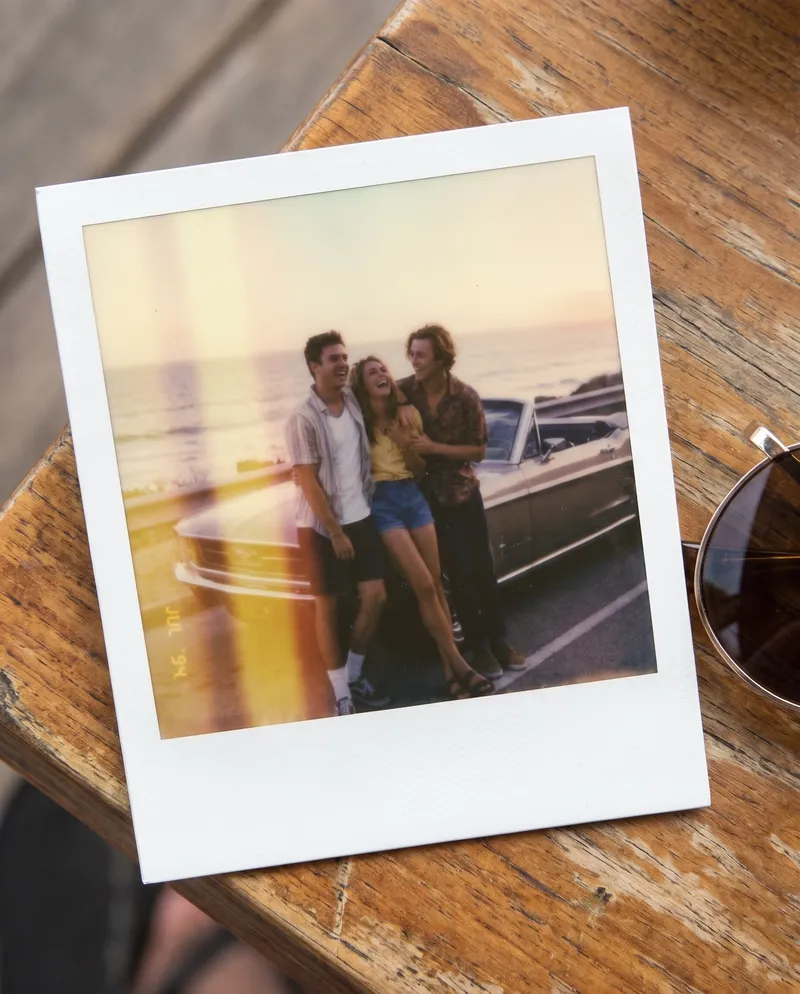
Polaroid Memory AI image preset
An instant photo from a summer long ago. Describe your idea and get an AI picture in 4:5 in the same look. Try the Polaroid Memory preset in TakeTones AI Studio.
Use this preset- Type
- AI image
- Category
- Cinematic
- Model
- Nano Banana Pro by Google
- Format
- 4:5
- You add
- What is in the shot
Example prompt
Friends laughing on a road trip by the sea
How to use it
- Press “Use this preset”. AI Studio opens with the Polaroid Memory look selected.
- Write what is in the shot in the prompt, or keep the example.
- Press Create. The price in credits is on the button, and the result lands in your project.
Questions
What does the Polaroid Memory preset do?
An instant photo from a summer long ago. The preset picks the model and the format and adds a detailed prompt written by us, so your image comes out in the same look as the example.
How much does it cost?
Each generation costs credits, and the Create button shows the exact price before you start. A free trial comes with 1,000 credits, and every plan adds credits each month.
Can I use the result commercially?
Yes. You can use what you make in personal and client projects, ads and social videos. Read the AI Studio Terms.
More image presets
 Movie StillA frame from a film that does not exist.
 Your photoPro HeadshotA studio portrait from any selfie.
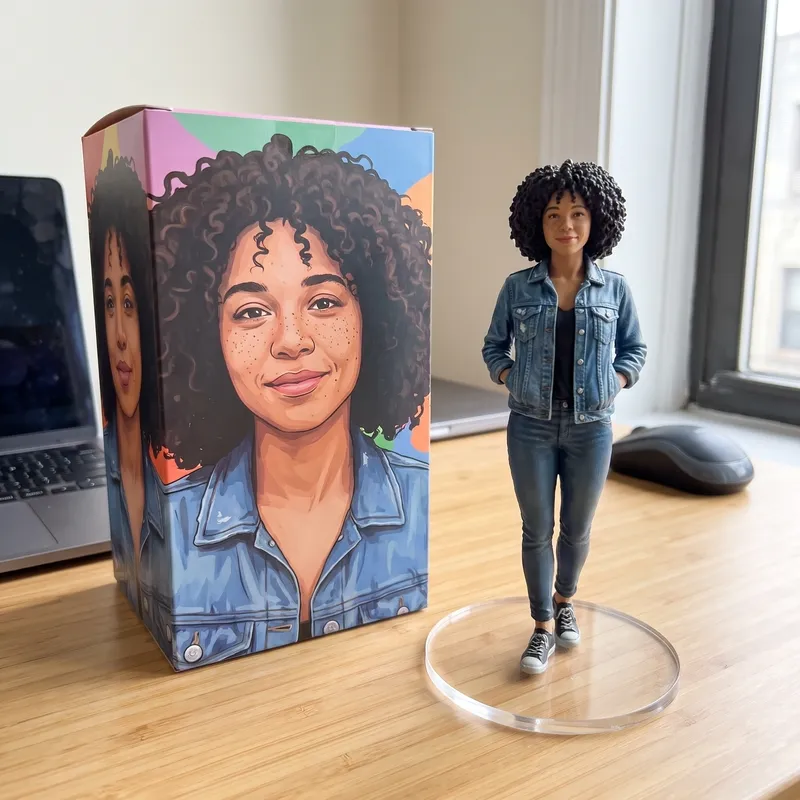 Your photoCollectible FigureA boxed 1/7 figure of you on a desk.
 Your photoStudio Product ShotCatalog photo on a seamless backdrop.
 Your photoProduct LifestyleYour product in a real, sunlit scene.
 Your photoAnime PortraitYou, drawn as an anime character.
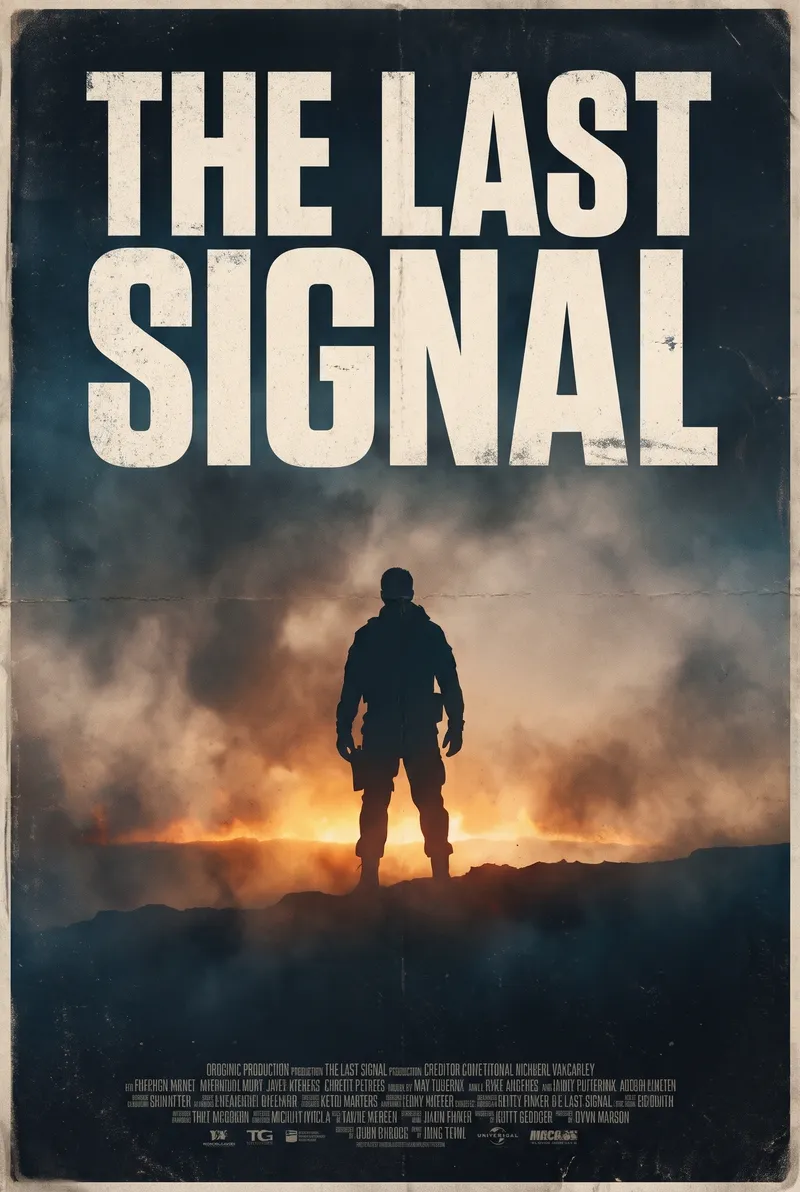 Movie PosterKey art with your title on it.
 Album CoverOne striking image, room for a title.