

Drone Reveal AI video preset
Starts close, rises to reveal the whole place. Describe your idea and get a 5-second 16:9 AI video in 720p in the same look. Try the Drone Reveal preset in TakeTones AI Studio.
Use this preset- Type
- AI video
- Category
- Cinematic
- Model
- Kling 4 by Kuaishou
- Format
- 16:9
- Length
- 5 s
- Quality
- 720p
- You add
- What is in the shot
Example prompt
A lone lighthouse on a rocky cliff above a stormy sea
How to use it
- Press “Use this preset”. AI Studio opens with the Drone Reveal look selected.
- Write what is in the shot in the prompt, or keep the example.
- Press Create. The price in credits is on the button, and the result lands in your project.
Questions
What does the Drone Reveal preset do?
Starts close, rises to reveal the whole place. The preset picks the model and the format and adds a detailed prompt written by us, so your video comes out in the same look as the example.
How much does it cost?
Each generation costs credits, and the Create button shows the exact price before you start. A free trial comes with 1,000 credits, and every plan adds credits each month.
Can I use the result commercially?
Yes. You can use what you make in personal and client projects, ads and social videos. Read the AI Studio Terms.
More video presets
 Film LookAnamorphic 35mm, golden light, a slow push in.
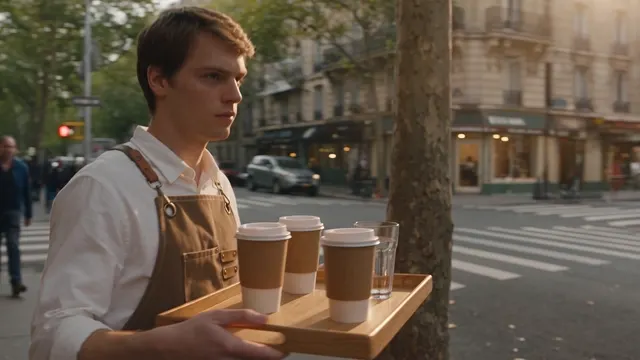 One Long TakeOne unbroken Steadicam shot, no cuts.
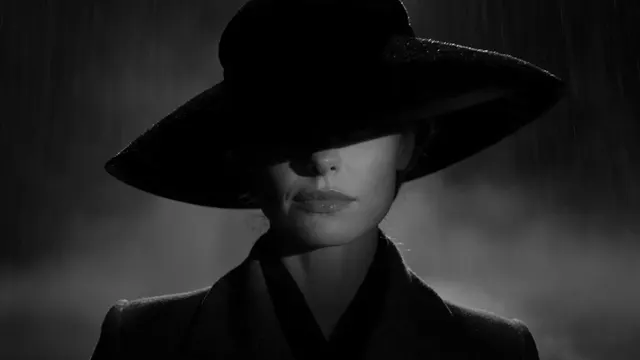 Film NoirBlack and white, hard shadows, rain.
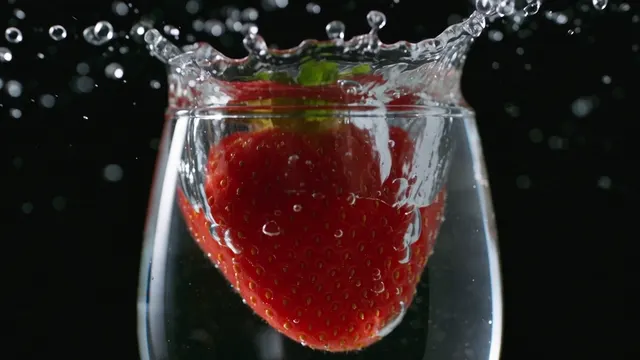 Slow MotionA thousand frames a second, every drop visible.
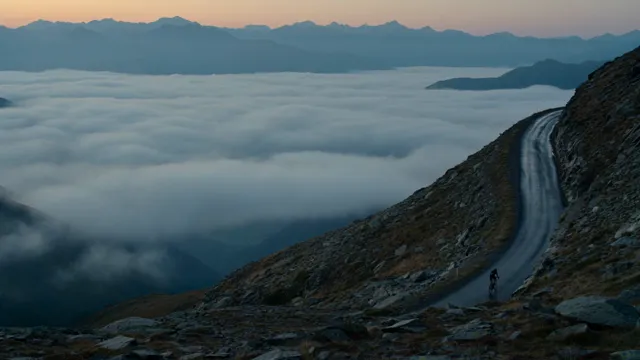 Three-Scene StoryWide shot, close-up, reveal: three cuts in one clip.
 Your photoProduct Ad in 3 ScenesYour photo opens the ad, then detail and a hero shot.
 Travel Day in 4 ScenesMorning to night in one city, four quick cuts.
 Your photoProduct HeroYour product in a slow premium orbit.